


Tutorials > Photoshop > Rounded Edges
Learn how to make the edges of images rounded.
If the images on this page do not appear, please click here.
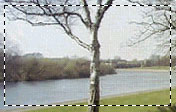
1. Open up any image you would like to use(Make sure it is not the background. The background should be white.) Using the rectangular marquee make a selection leaving a few pixels of padding.
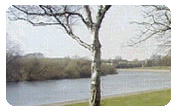
2. Now go to Select > Inverse. Then go to Select > Modify > Smooth. Choose 6 pixels. Then press the delete key on your keyboard.
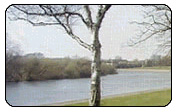
3. Now right click on the layer and select Blending Options. Go to Stroke. Color: #000000; Size: 1. That's it!
Here are 10 goretastic movie posters commemorating the favorite character and scenes of graphic designers.
Affiliates


Resources
