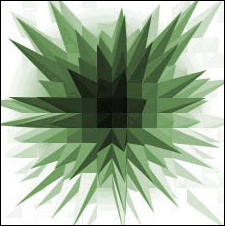
Tutorials > Photoshop > Crystals
Learn how to trendy crystals.
If the images on this page do not appear, please click here.
1. Start out with a new 250x250 image. Choose a white background.
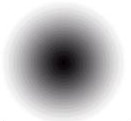
2. Press the d key on your keyboard to reset your colors. Now select the gradient tool and set it to radial gradient.
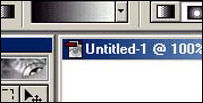
3. Move your cursor to the center of the document. Now draw a line from the center of the canvas to any direction just a little bit.
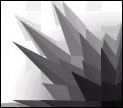
4. Next go to Filter > Stylize > Extrude. Use these settings.
5. To add some color, Press Ctrl+U. Place a check next to colorize, then fool around with the settings to get a color you like.